Make every change in a sandbox or developer org first. FlowSprite turns a proposed change into a pull request on that org's repository; merging the pull request deploys it to that org. Check the result there before the same change goes anywhere near production.
The path of one change
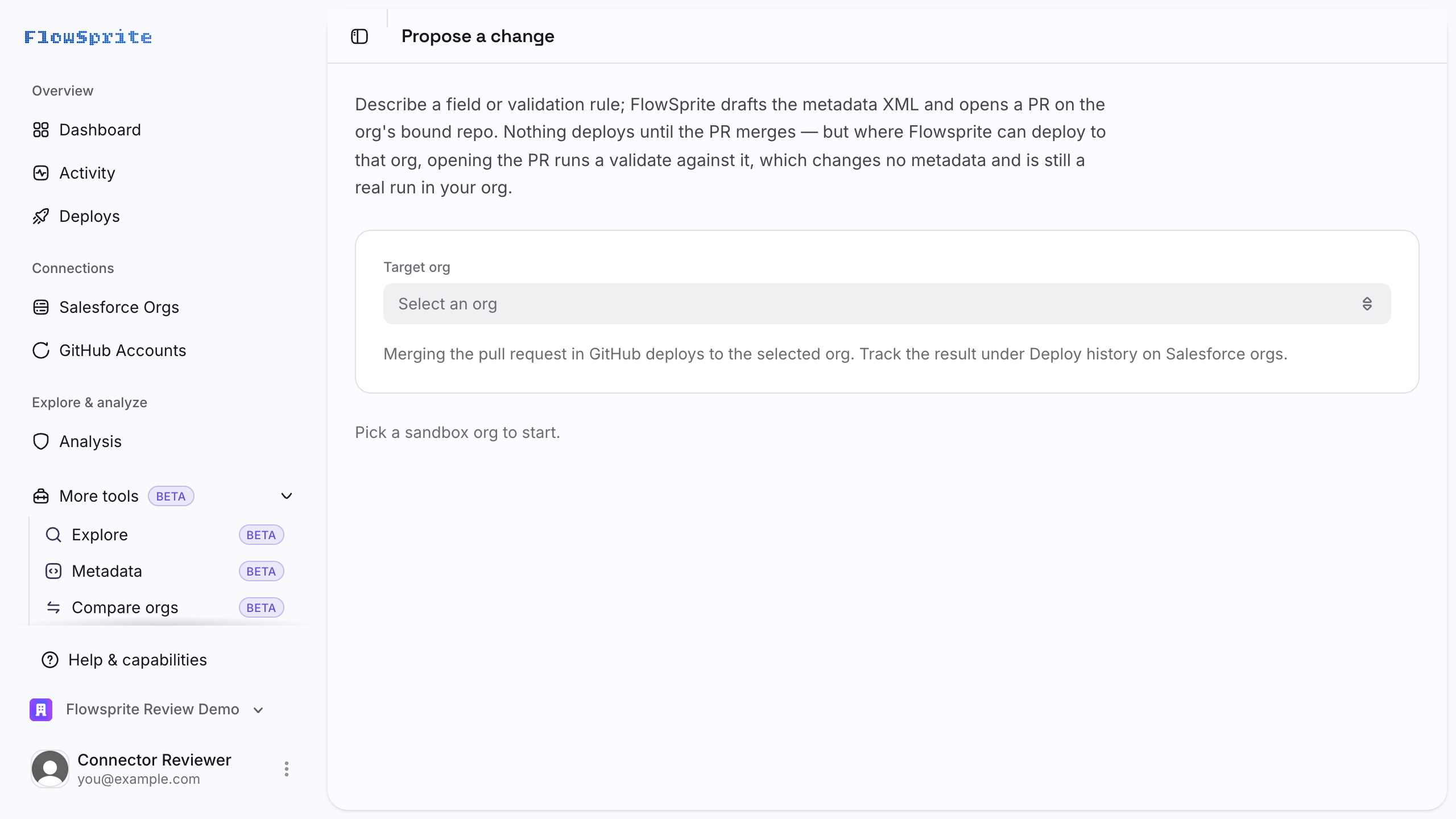
- Propose. Ask your AI assistant for the change, or use Propose a change in the app's sidebar (a custom field or a validation rule). FlowSprite drafts the metadata and opens a pull request on the org's bound repository. Nothing deploys yet.
- Read the pull request. On GitHub, read the diff. Where FlowSprite can deploy to the org, the pull request also gets a validate run and a Flowsprite: policy guardrails check. The validate changes no metadata, but it is a real run in your org.
- Merge to deploy. Merging the pull request deploys the change to that org. Track the result under Deploys in the sidebar, or the deploy history on the org's card.
- Check it in the org. Open the sandbox and try the change the way your users will.
- Promote. Take the same change to the next org only once it works where it is.
Habits that keep it safe
- Read before you merge. Merging is what deploys. FlowSprite does not require an approval on the pull request, so set up branch protection in GitHub if your team wants a second reviewer.
- One change per pull request. A small pull request is easy to read and easy to undo.
- Start in a sandbox or developer org. A sandbox connects read/write, and so does an org whose address contains
.develop.or.trailblaze.. Production starts read-only, see Why production starts read-only. - Keep record writes off unless you need them. They are a separate switch on each connection, off by default, and they do not go through a pull request.
- Keep destructive changes deliberate. A merge that deletes metadata only deploys to a sandbox when the pull request carries the
flowsprite:allow-destructivelabel.
When you need to undo a change
Roll back from the org's deploy history with Roll back to this deploy. A rollback re-deploys the whole metadata tree from that earlier commit and overwrites current versions. It never deletes: anything added since stays. It restores setup, not records, and it runs without a pull request. If Salesforce rejects any file, the whole rollback fails.
Rolling back a production org needs production deploys turned on for that connection, the same as a forward deploy.