Go to https://app.flowsprite.com/sign-up, sign up with GitHub or an email address, verify the email, then name your workspace. The trial starts when the workspace is created, with no credit card.
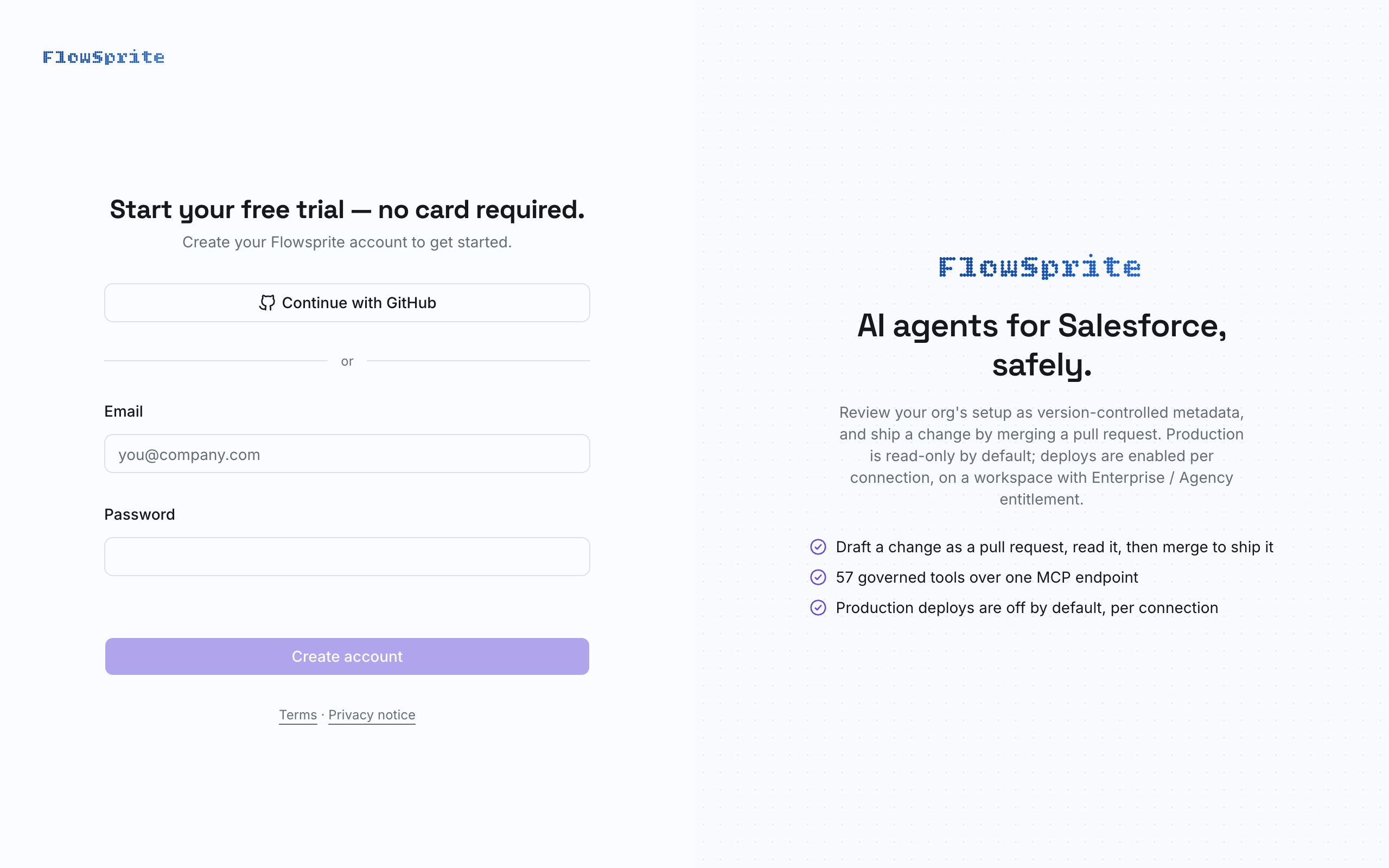
Sign up
- Choose Continue with GitHub, or enter an email address and a password and choose Create account.
- If you used email, FlowSprite sends a verification code. Enter it under Enter your code and choose Verify. Resend code sends a new one.
- Under Name your workspace, enter your Company name. You can also say how you heard about FlowSprite; that field is optional.
- Choose Start free trial.
The workspace is only created for a verified email address. If you skipped verification, the app asks for the code before it goes on.
If you signed up with GitHub
GitHub sign-in proves who you are, but syncing metadata to a repository needs the FlowSprite GitHub App as well. After sign-up the app offers Install the Flowsprite GitHub App: Continue to GitHub lets you choose the account and repositories, Skip for now leaves it for later. You can install it any time from the Get started page, see Connect GitHub.
What the trial includes
- The trial runs 14 days by default. A trial started from an invite link a FlowSprite team member shared with you runs 30 days.
- No card and no sales call. Billing details are only asked for when you choose a paid plan.
- A trial carries a paid plan's allowance, not an unlimited one: seats above the included count are billed at $20 a seat, and connections stay capped at the included number.
- Production deploys need Enterprise / Agency entitlement on the workspace, during the trial and after it.
One trial is available per verified email address.
When the trial ends
The app shows Your trial ended — choose a plan and walks you through three steps: Choose your plan (Professional or Enterprise / Agency; you can change it later in Settings → Billing), Billing details, then Payment by card through Stripe. Plan prices are on the pricing page.
Stuck after sign-up? See No workspace after sign-up?.
Next step
Connect a Salesforce org. After sign-up you land on the Get started page, where it is the first item.